
ArteyPic
Install

 Before
After

 Before
After
Features
-
Photo Editing
Adjust light and color, crop, or use masks to edit one area at a time.
-
AI Tools
Refine a photo, expand the frame, or describe the change you want.
-
Collage
Pick a layout and edit a single photo or the entire composition.
-
Smart Gallery
Browse automatically grouped albums and review exact duplicate photos.
App Screenshots
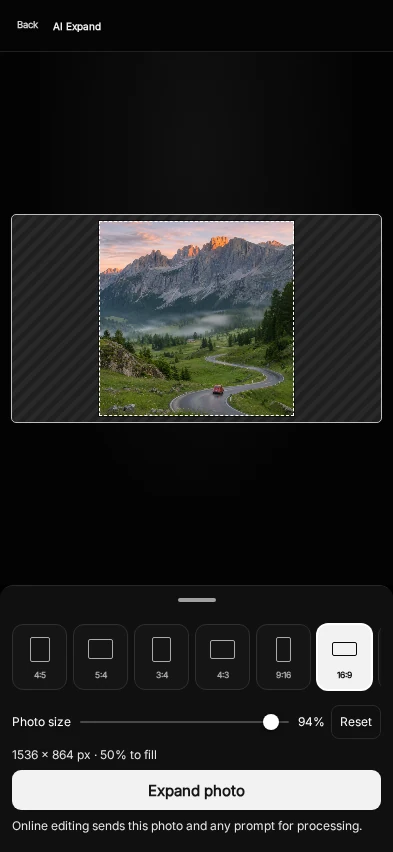
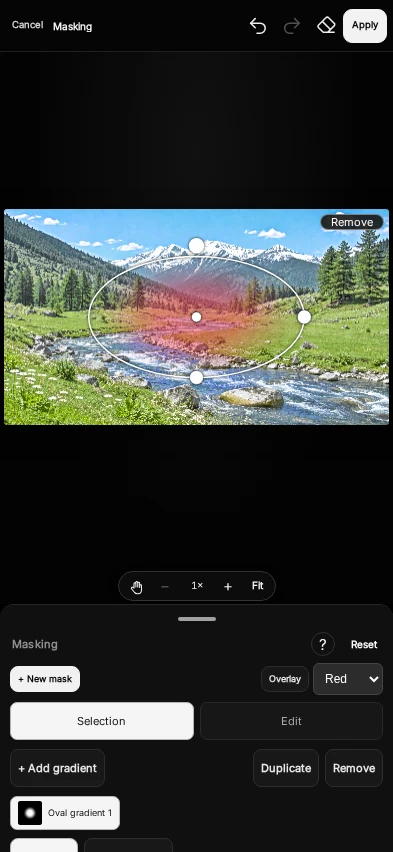
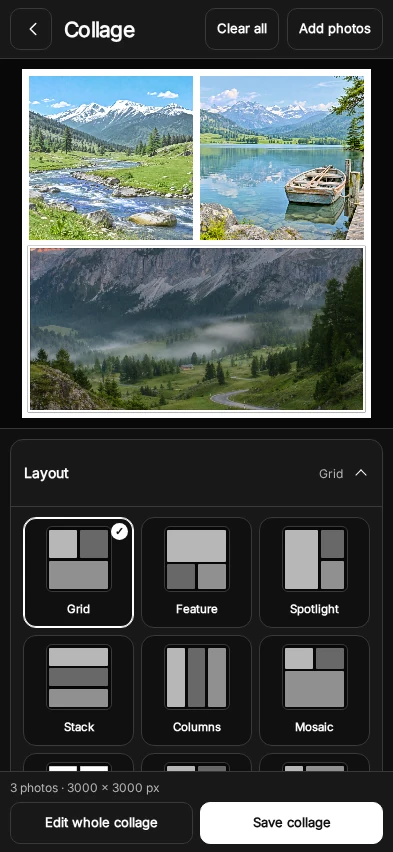
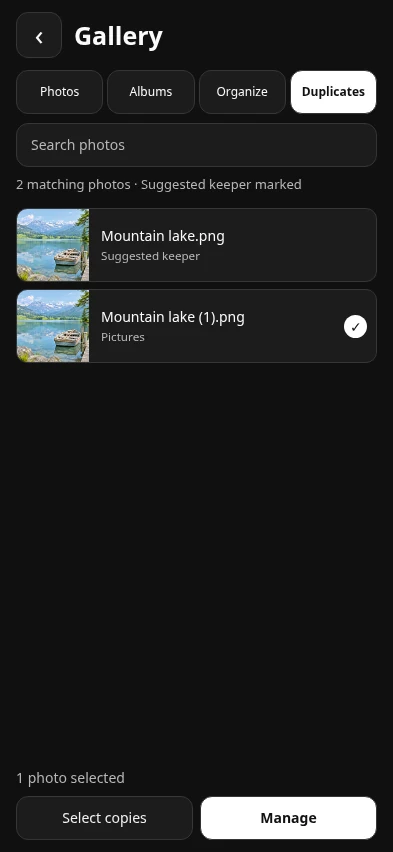
AI Expand Demo


FAQ
What can I use for free?
You can use core tools such as light and color adjustments, crop, filters, masking and collage without signing in. Some premium tools require a plan or offer an optional ad unlock when available.
How do AI tokens work?
AI Plus and AI Max include tokens for online AI edits. Open your profile to see your balance. Eligible subscribers can buy more tokens through Google Play when top-up packs are available.
Where are my photos stored?
Local edits and Auto Saves stay on your device. On Android 10 and later, photos saved to your gallery are exported to Pictures/ArteyPic. Online AI edits send the selected photo for processing. Cloud backups are optional. Read the Privacy Policy.
How do I install the closed test?
Tap Install, join the test using your invited Google account, then download ArteyPic from Google Play with that same account.